Introducing the fifth generation of the engine behind MeshLite: a live, photoreal visual layer for all businesses, delivered on the user's device.
An AI avatar face should not need a data center
A lifelike face, an interactive experience should not be something only big budgets and big companies can run.
For most of the industry, a lifelike avatar still means graphics cards in a data center, working for the entire conversation. The frontier keeps getting heavier, for example, one leading provider’s video model launched recently takes more than 18 billion parameters and eight specialised AI chips working together. That is remarkable engineering. But if a face takes that much hardware, only the biggest companies will ever have one. That isn’t the future we want to build. We want it to be the opposite: a face on any product that intend for people to talk with.
We are not alone in thinking so. Some teams have already moved the face onto the device, now that browsers are capable enough, and we think that is where the field is heading. But once the face runs on the device, weight becomes the whole problem. Streaming pixels hides how heavy a model is. Shipping it to someone’s phone does not. Some teams still lean on a cloud server for every session, and others ask for a heavy download. Ours had to be light.
How MeshLite draws a face without a data centre
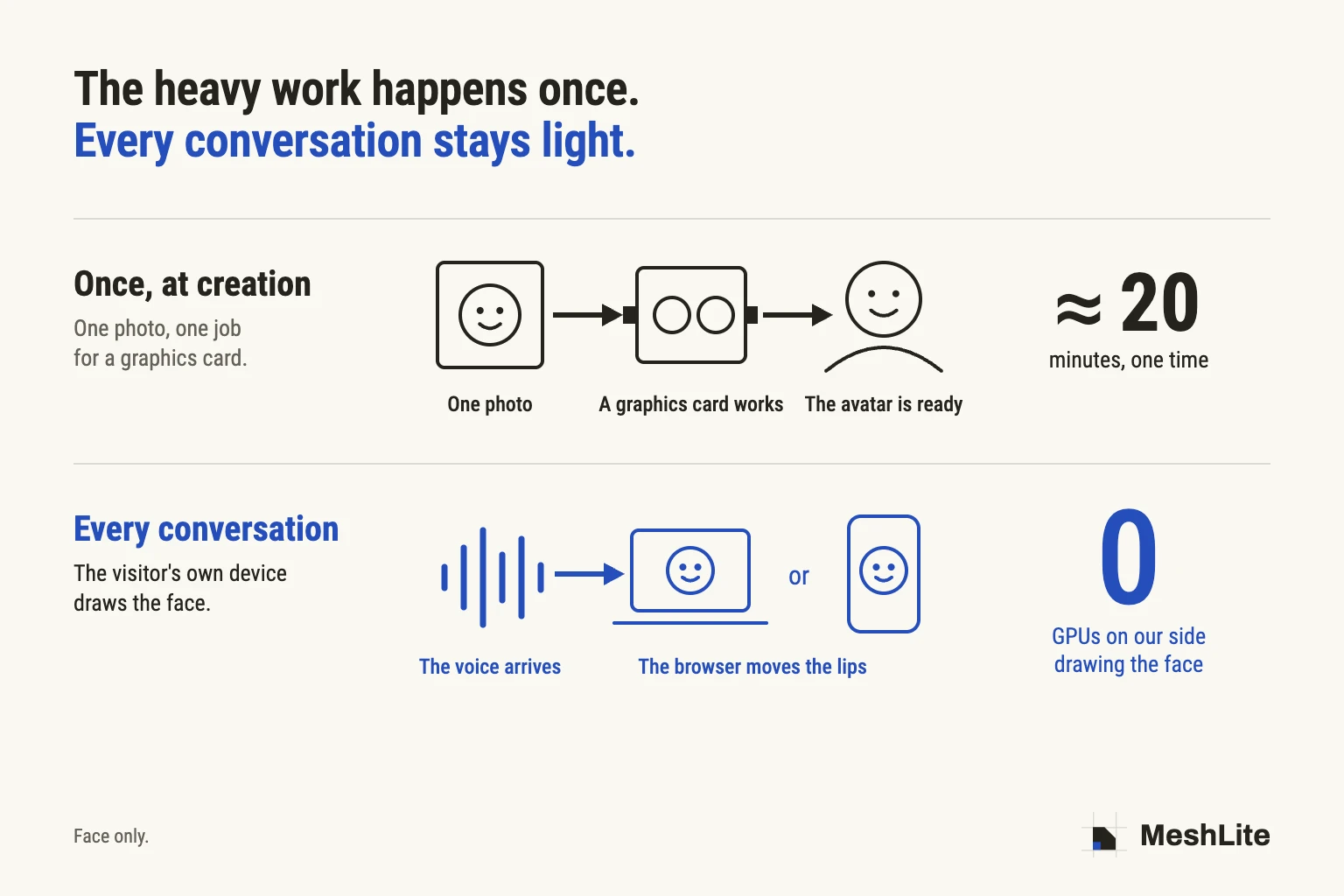
MeshLite does the heavy work once, when the avatar is created, and never again during the conversation.
At creation, a graphics card renders the avatar one time: photoreal movement for each of its four attitudes, and everything the face needs to speak. In the conversation, the browser does the rest. Our speech model, 1.76 million parameters running without a graphics card, reads the incoming voice, and the browser moves the lips with it, within 25 milliseconds of the sound the listener hears. No AI model generates pixels on the device, and none runs on our servers for the face.
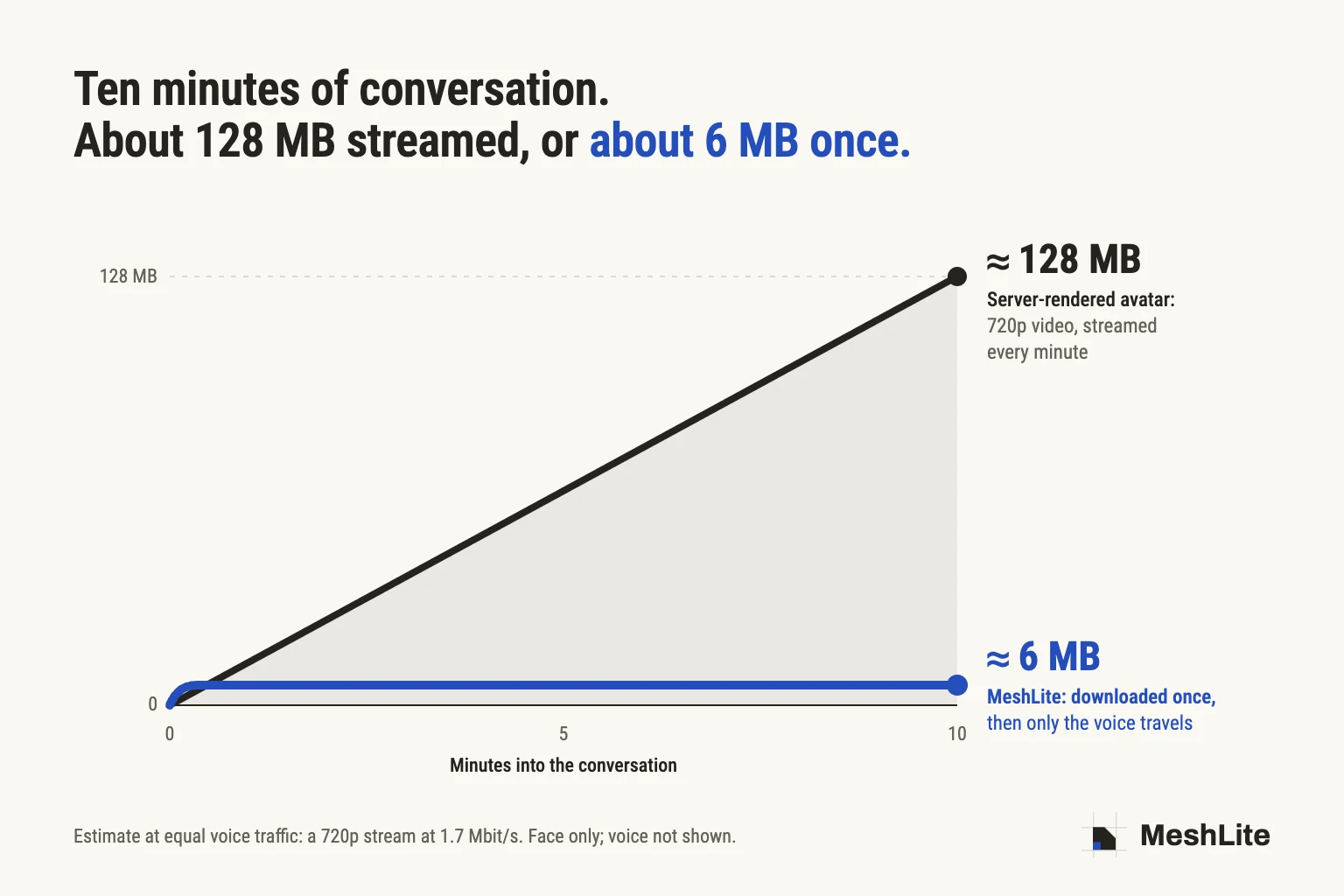
You can see the difference in the data. A ten-minute conversation with a server-rendered avatar streams roughly 128 MB of 720p video. A MeshLite avatar downloads about 6 MB once. After that, only the voice travels.
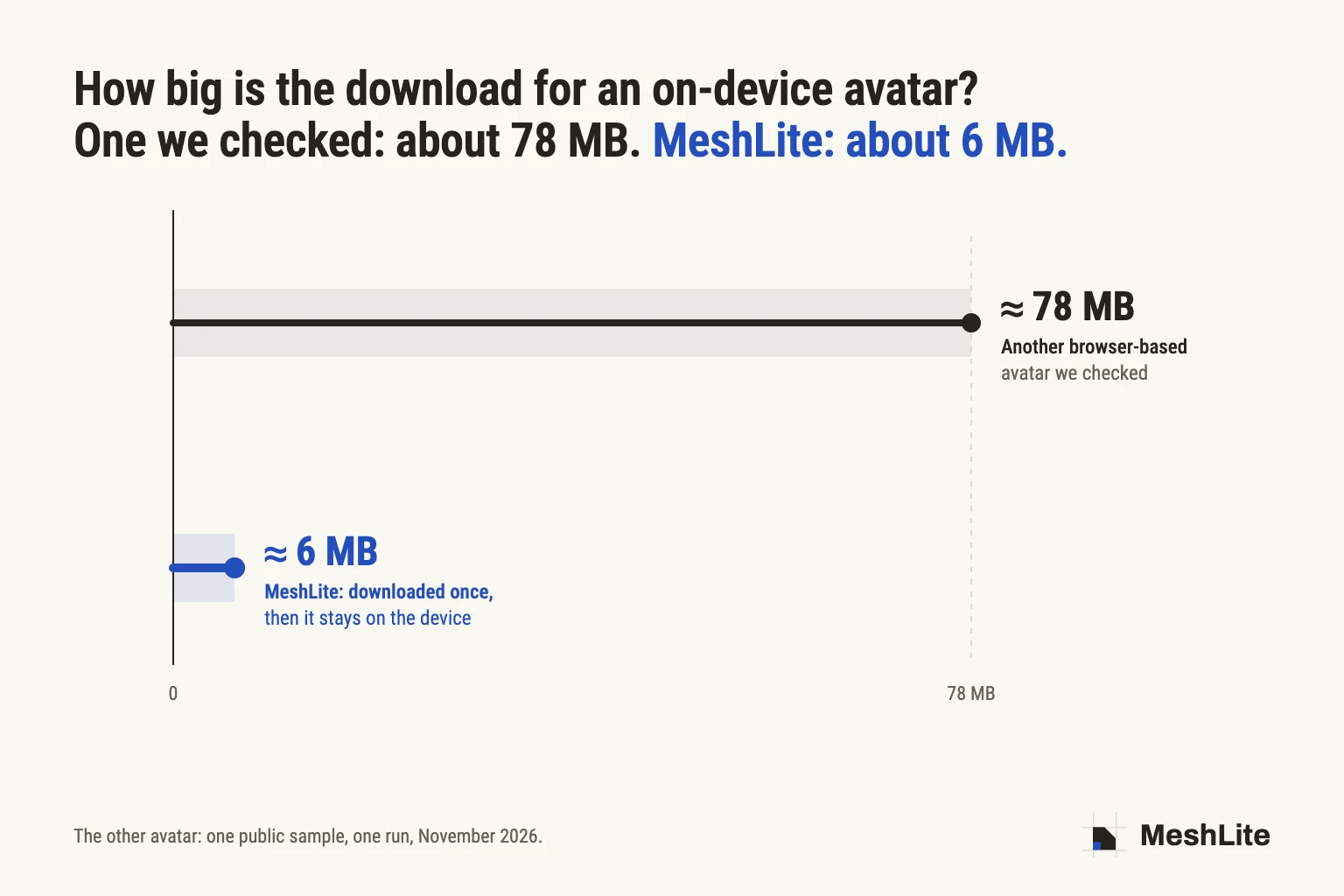
Drawing the face on the device is not new, and it removes the video stream. But the avatar still has to reach the device first, and that download is where the approaches differ. One browser-based avatar we checked downloads about 78 MB before it can talk; a MeshLite avatar downloads about 6 MB. A returning visitor downloads almost nothing: the avatar stays on their device. The face is lifelike video prepared once, not a 3D character, and no AI draws a single pixel during the conversation. It can go wherever a web page already goes, on a laptop or on a phone, with no data centre drawing it.
What you can build with it
Sales training that runs as long as the rep needs. A sales enablement lead rolls out a new pitch on Monday. Every rep practises the objection call with an avatar that looks back at them, and repeats it until they get it right. No server of ours draws the face, so a fifth attempt adds no graphics-card time.
Language and tutoring apps where the lesson doesn't get cut short. A language app can give each learner a partner to talk to for a full lesson, on the phone they already have, instead of rationing the avatar to a short demo moment.
Interview practice for a whole cohort. A career service or university can let every student rehearse the same week, the night before their interviews, when everyone logs in at once. Each student's device draws its own face, so no one waits for a GPU.
A face for the call centre. Customer service is where most companies talk to the most people, and almost none of those conversations have a face. Drawing one in a data centre for every call, all day long, is too expensive at that volume. When each customer's device draws its own face, a team can offer it on every video call from its website or app, and a busy Monday adds no graphics-card load on our side.
Onboarding for the whole company, not a pilot group. An HR or learning and development team can put the same live guide in front of every new hire and every employee, for onboarding or a compliance refresher, instead of limiting it to one test group.
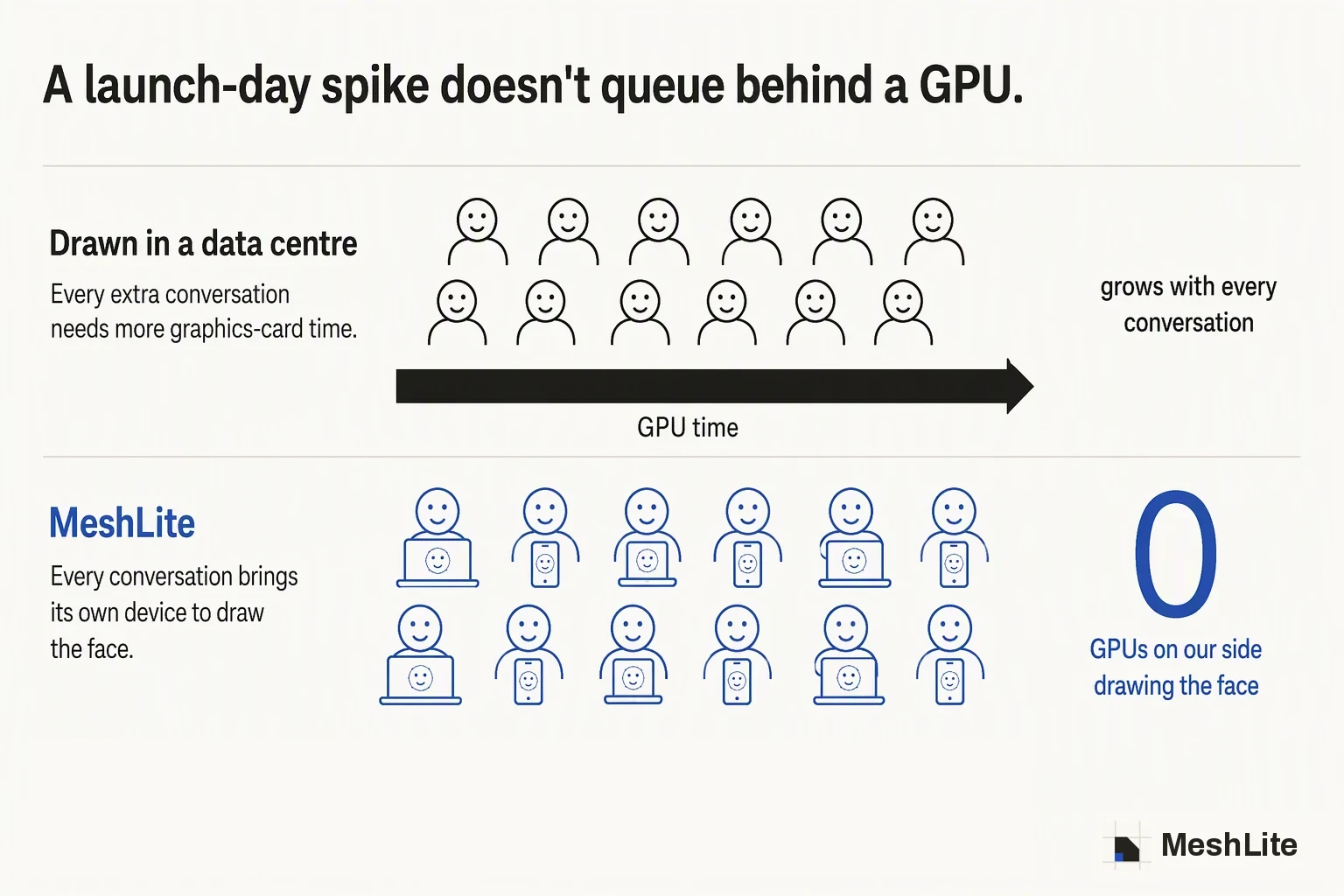
A launch day that doesn't queue. A software company adds a face to the assistant in its product, on top of the AI it has already chosen. When a launch or a campaign sends a spike of visitors, the spike adds no graphics-card load on our side.
A two-person startup with a face on day one. A team of two can give its product a live face without planning around a fleet of graphics cards. It takes one photo and a web page.
One photo to start
A few months ago, making one of these avatars meant filming someone for about five minutes and then waiting an hour and a half. Now you upload a portrait. About twenty minutes later the avatar is ready, and it can sit idle, listen, think and speak, sliding from one to the other in about a third of a second.
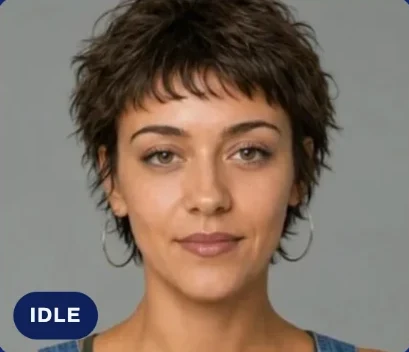
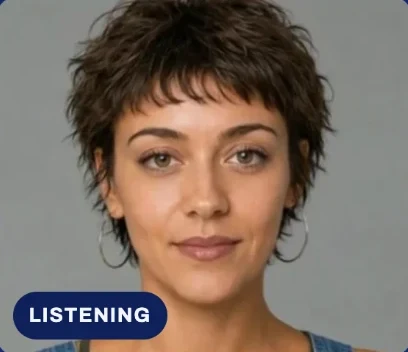
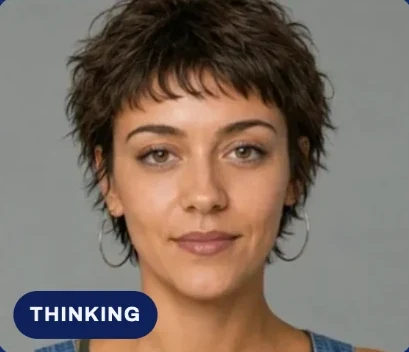
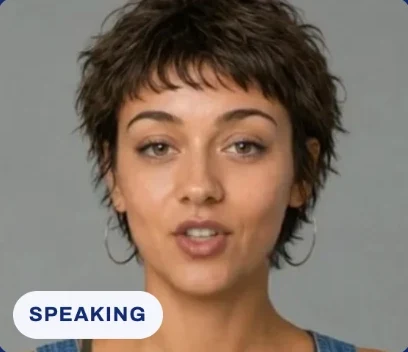
Those twenty minutes are the only time a graphics card touches it. And from the moment the portrait is ready, it's all our own engine: the movement, the lips, the voice AI behind them. We don't send anything out to an AI video service along the way.
Fast, and in sync
Talking in under 3 seconds. From opening the page to talking now takes under 3 seconds, down from under 5 seconds on our previous engine.
A mouth locked to the voice you hear. The mouth stays within 25 milliseconds of the sound the listener actually hears, measured on a desktop with and without a simulated Bluetooth delay. The human eye does not notice an offset below about 45 milliseconds (ITU-R BT.1359).
A voice AI that fits in under a megabyte. Our own voice AI reads the speech on the visitor's device and drives the lips in time with it. It has 1.76 million parameters per language, and it analyses ten seconds of speech in 68 milliseconds on an ordinary laptop, without a graphics card.
Before and after
| Before | Now | |
|---|---|---|
| What you provide | About 5 minutes of video | One photo |
| Time to create an avatar | About 1 h 30 | About 20 minutes |
| Voice AI download, per language | 8.6 MB | Under 1 MB |
| Time from opening the page to talking | Under 5 s | Under 3 s |
How we got here
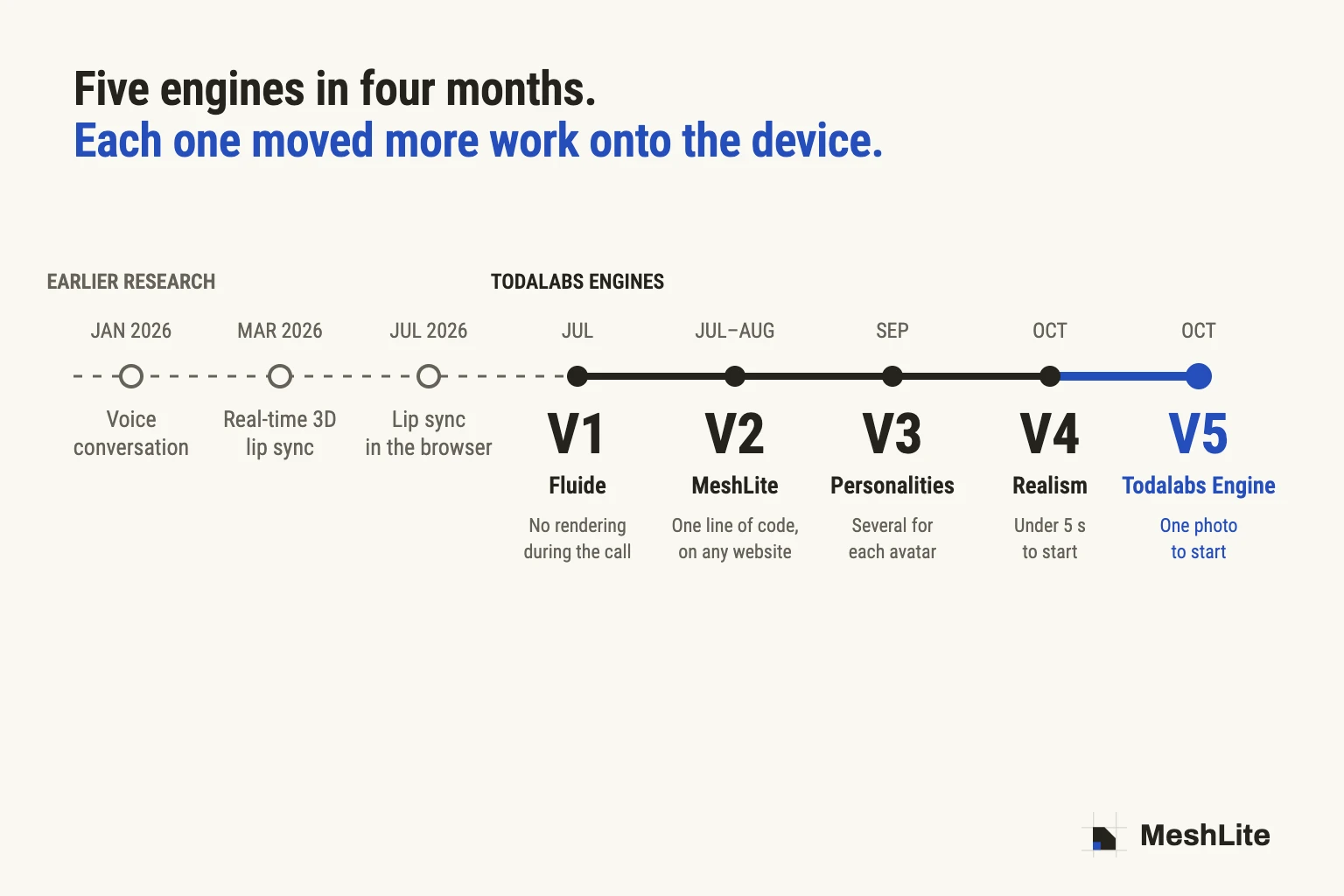
The Todalabs Engine is our fifth engine in four months.
The road ahead
How can we make AI more widely available without making more servers, more GPUs and more electricity the default answer? Five engines in, there is still plenty of weight left to remove.
Four problems are still open. The avatar download can get smaller. The one graphics-card job left, the twenty minutes at creation, can get shorter. What we have measured on a desktop, a mouth within 25 milliseconds of the voice, has to hold just as well on the cheapest phone someone actually owns. And a face that keeps time with the voice is only the start: it also has to show emotion and feel alive, without giving back the lightness that got it onto the device.
We want AI products to be measured by what more people can do with them, not by how many GPUs we can put behind them.
Sources: dates from our development history, July–October 2026. Measurements from our October 2026 test benches; analysis speed measured on a laptop. Video comparison: a 720p stream at 1.7 Mbit/s, the public preset of a common video-call toolkit; an estimate at equal voice traffic. Perception threshold: ITU-R BT.1359. The 18-billion-parameter and eight-chip figures are that provider's own published description.